Working notes
The work continues after the answer.
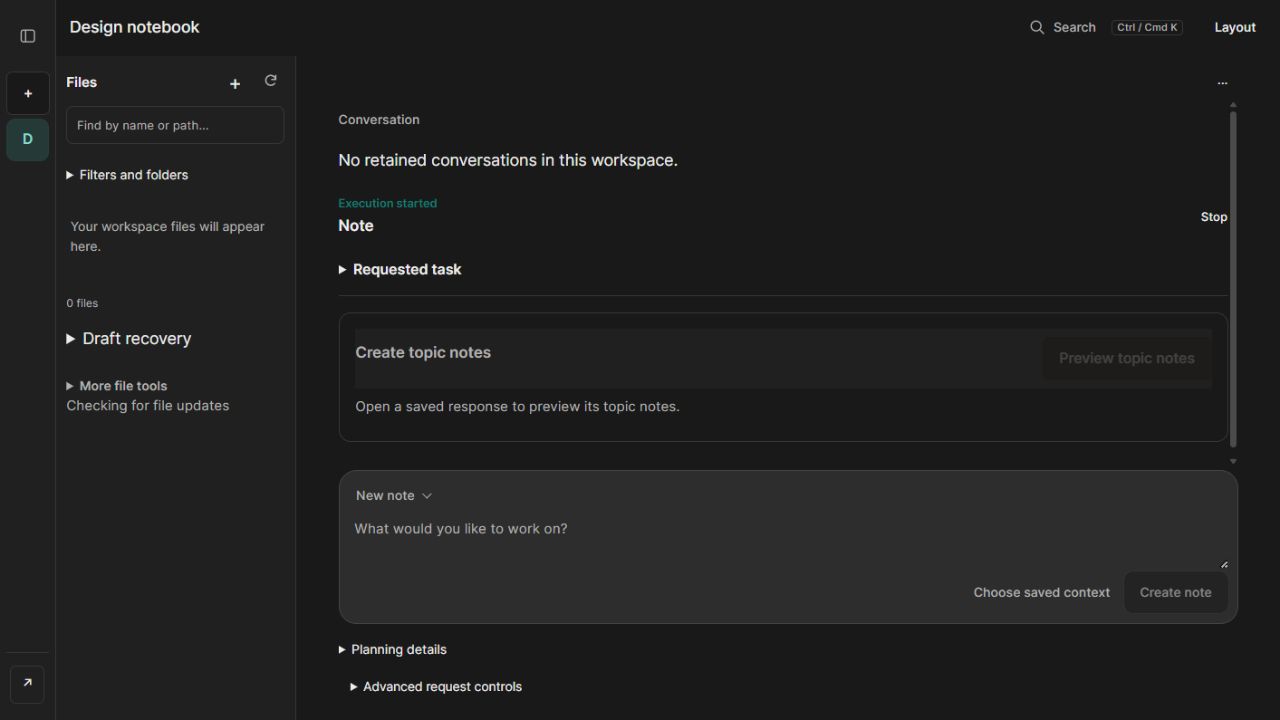
Making a useful response was only part of the problem. I wanted to keep working with the result: find a section, add something of my own and ask for a small change without losing the rest.
The files needed a home.
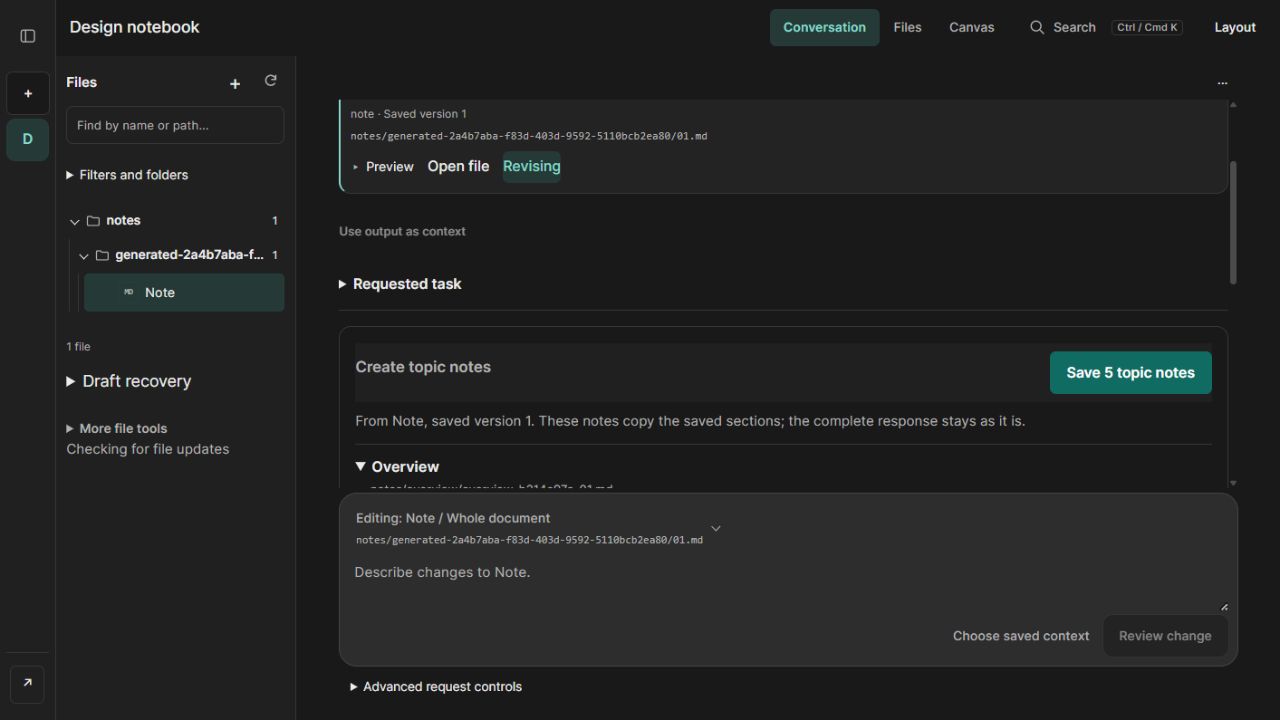
I kept the model’s saved source alongside the topic notes. Splitting a response into smaller files should make it easier to work with without losing the context it came from.
An automated test operator recorded this example using a fictional design brief and a local model. The app saved one source with its Draft provenance footer, then previewed 5 linked notes. Saving that preview was a separate choice, leaving 6 files in the workspace.
Follow the source into linked notes↗A follow-up should leave room for my edit.
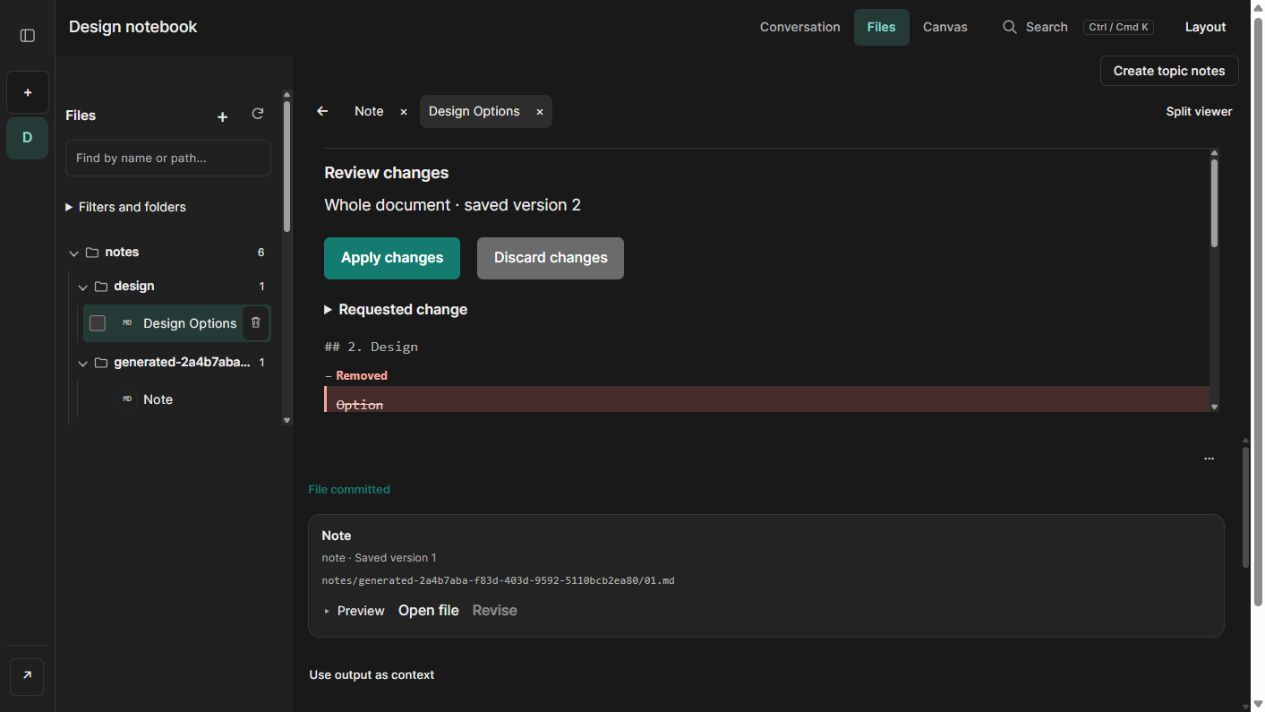
I kept saving an edit separate from applying a model’s proposal. The saved note remains the reference while the proposed change is available to inspect.
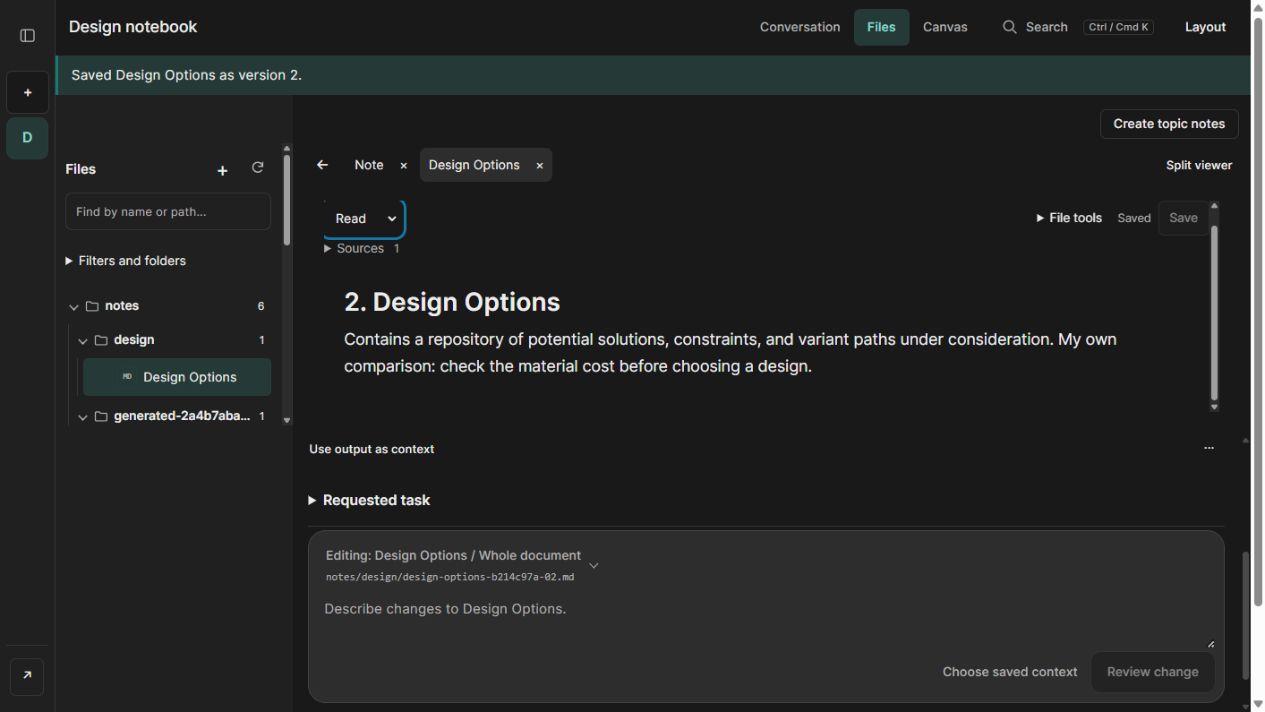
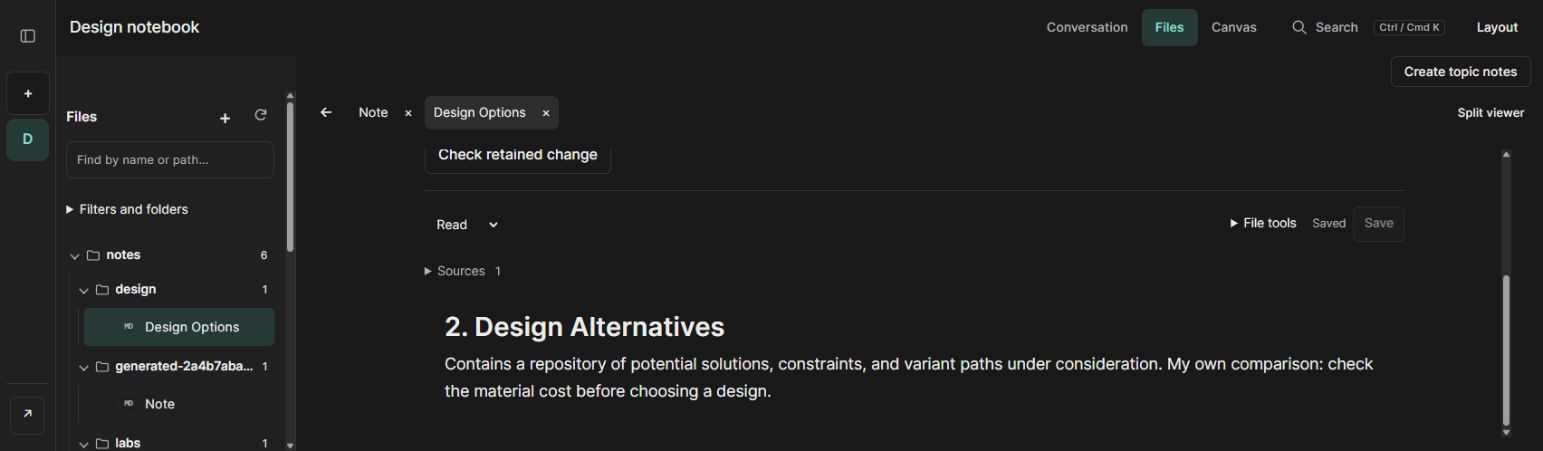
The recording adds a cost comparison and saves version 2, then asks for a new heading. The model receives the whole document; the check is deliberately small enough to compare exactly. Only the heading changes, the comparison and all other content stay intact, and the automated operator approves and applies the proposal once to create version 3.
See the review before Apply↗Saved needed to mean I could come back.
I wanted to sign back in and pick up the same work. GPTable keeps the saved files and their earlier versions in PostgreSQL.
After a page reload and an orderly restart of the database, API and interface, the automated operator reopened version 3. Its content and saved history matched, including the manual comparison.
Inspect the saved result↗View my résumé ↗